Ask the right questions
“It just broke” is only the beginning. Find out what happened beforehand and reconstruct the situation from omissions and contradictions.
 传说中的小猪Creative notes
GROUP-CHAT MYSTERY / PIXEL TROUBLESHOOTING
Before you reinstall,
ask what they changed.
They say they changed nothing. The photo tells another story. Ask questions, give remote instructions and piece together the real fault from incomplete, conflicting answers.

TAKE THE CASE
You are the go-to fixer in a PC help group. The person asking for help struggles to describe the problem; other members add their own advice. Ask, inspect, then diagnose.
“It just broke” is only the beginning. Find out what happened beforehand and reconstruct the situation from omissions and contradictions.
Tell them what to try, then use their feedback to test your diagnosis. How you phrase an instruction matters as much as the diagnosis itself.
Request photos of connections, coolers and screens. A small visual detail can reveal what the chat has missed.
Watch both your rising frustration and the hardware-survival meter. Your next instruction can lead to a successful repair or a digital disaster.
Review the fault explanation after a successful diagnosis, build reputation and add cases to your repair codex.
TRAILER
GAMEPLAY
Actual game screenshots. Select an image to view it at full size.
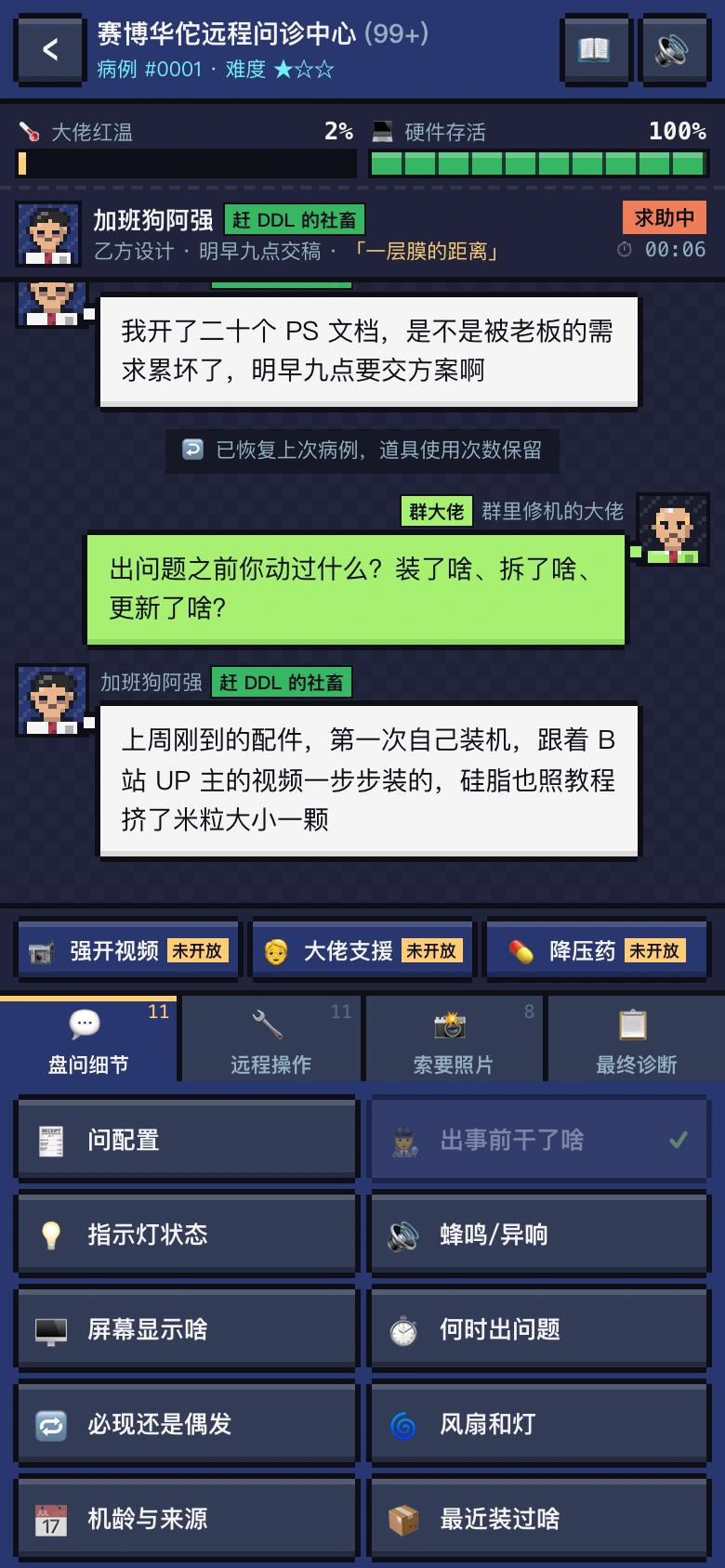
Follow up on what happened before the fault.
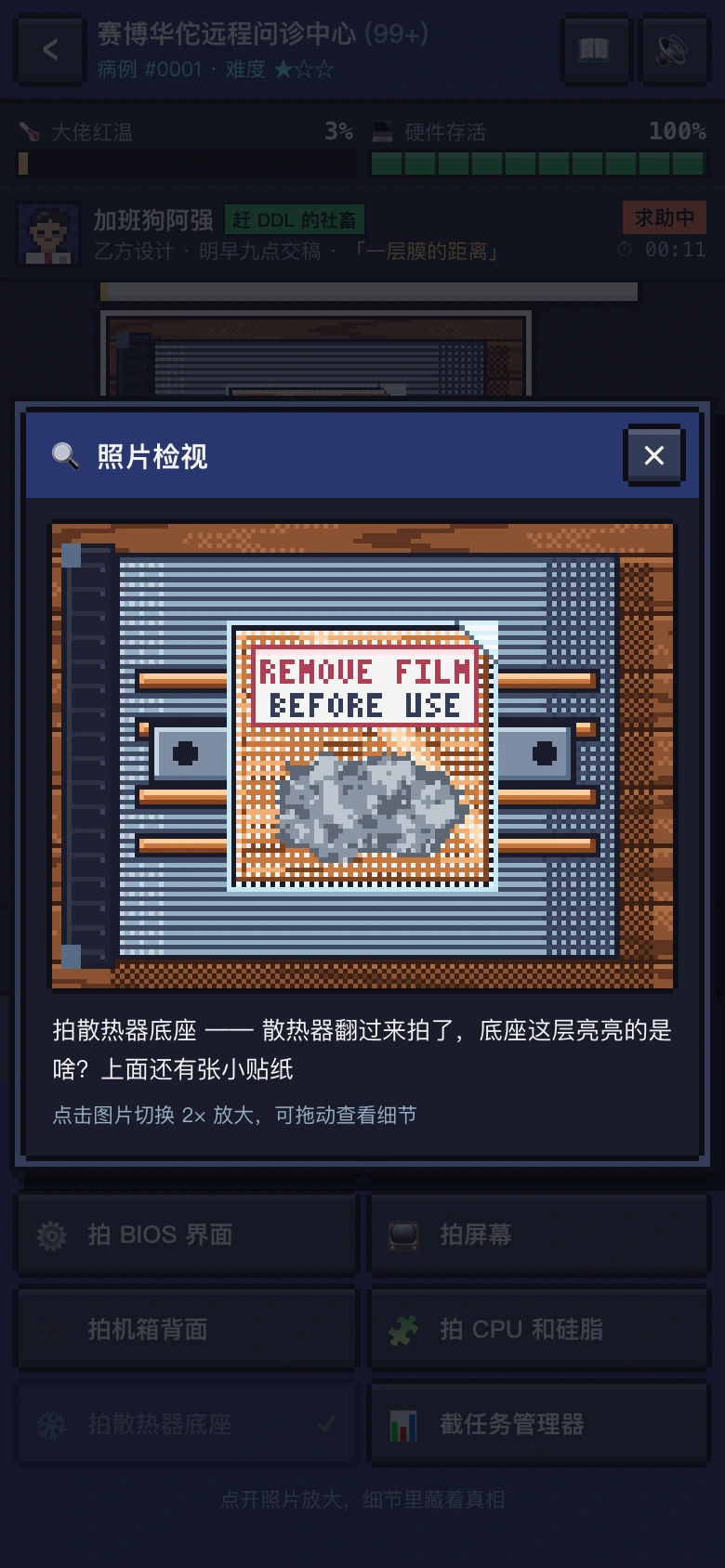
A protective film on the cooler base provides a clue.
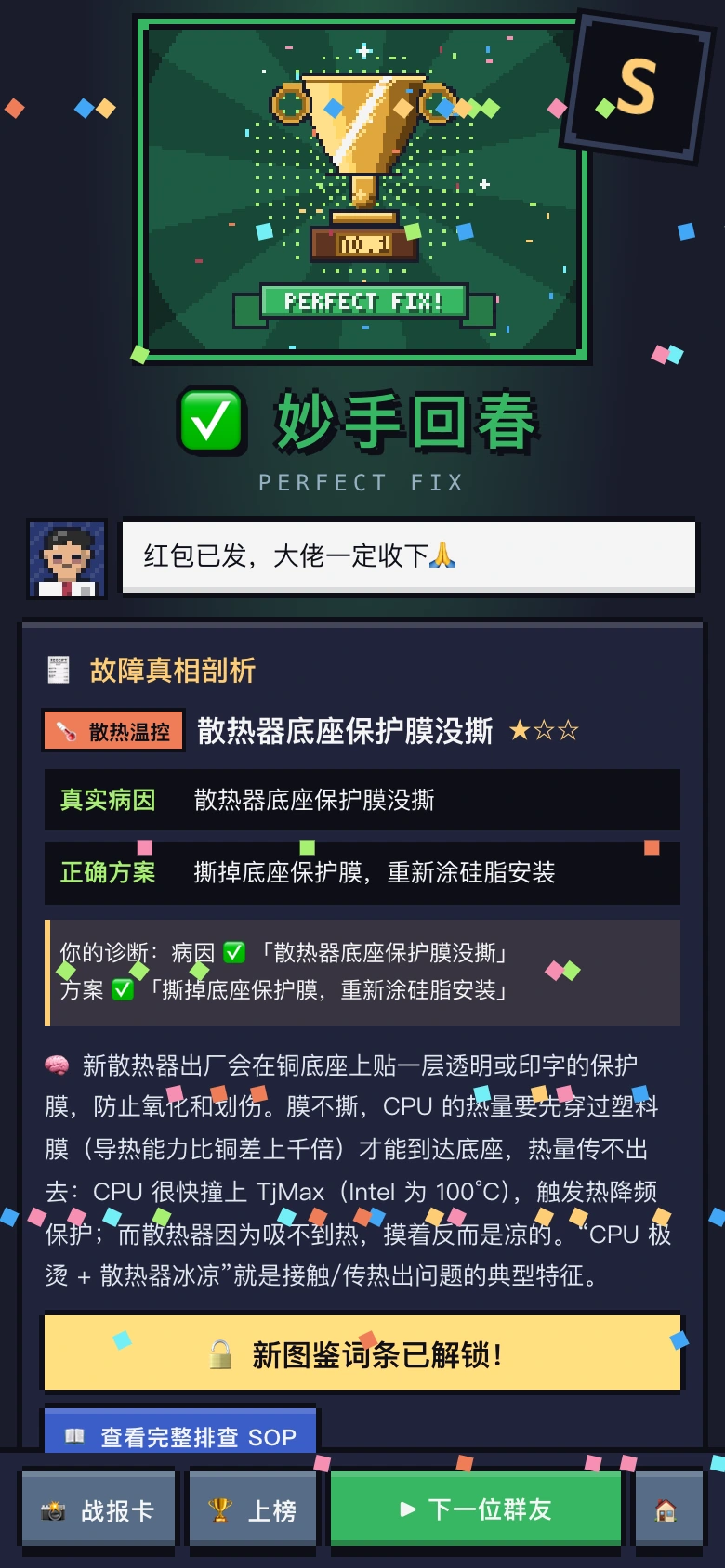
Read the fault, solution and troubleshooting explanation.
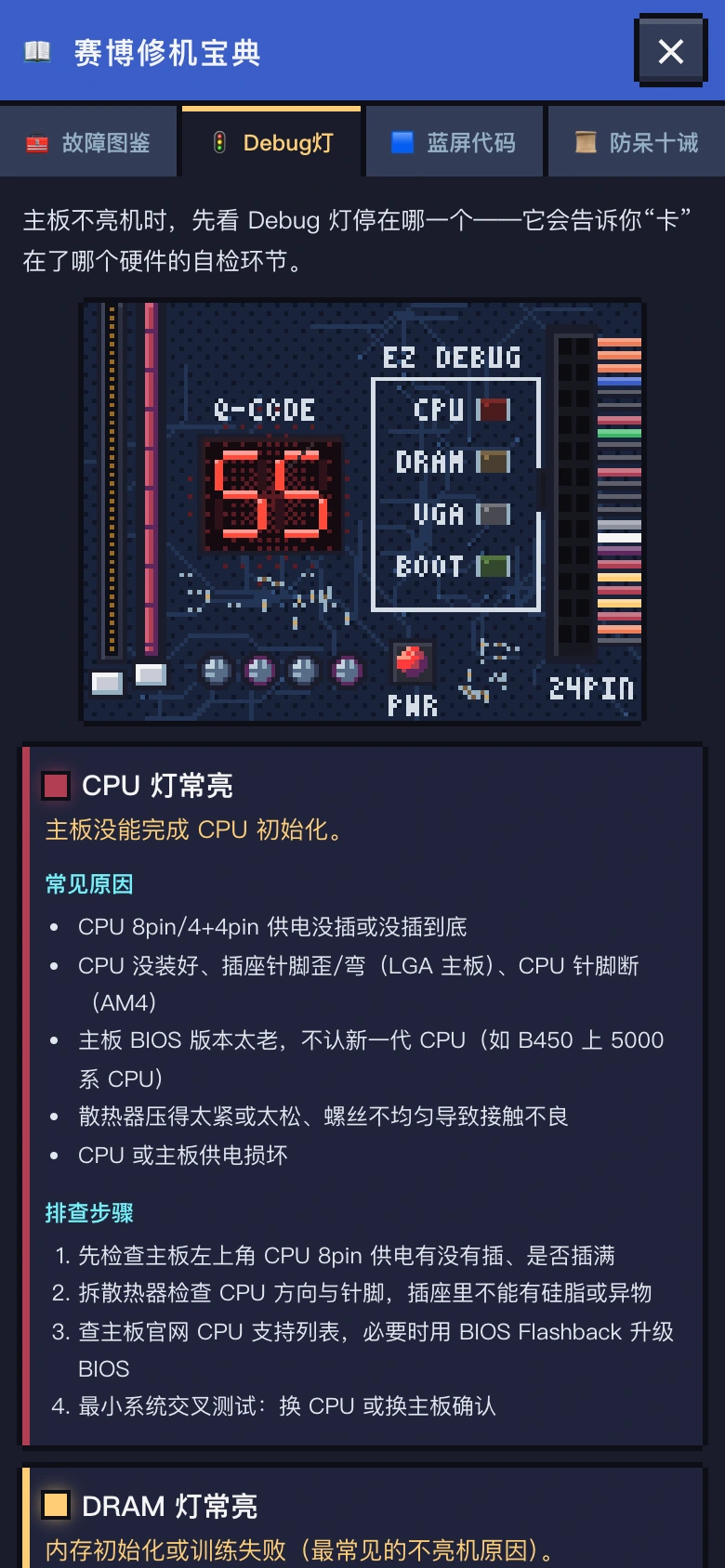
Revisit hardware clues such as motherboard debug lights.
Screenshots and the recording below show build 1.0.1-rc2. Actual content depends on the game version. Game media retains the Chinese interface; this page does not imply an English game build.
A MESSAGE TO THE GROUP
We wanted to recreate a familiar, blood-pressure-raising scene: someone in the group cries for help. You ask what they changed, and they say, ‘Nothing at all.’
Helping someone fix a computer from the other side of a screen means more than diagnosing a fault. You have to work out what they said, what they left out, and what ‘That probably doesn't matter’ is hiding.
We hope to capture both the satisfaction of finding a clue and the absurd moments of a group chat. Careful troubleshooting can feel rewarding; an outrageous request can still make you laugh.
This time, hold off on the diagnosis. Ask what they actually changed.
聊天群帮人修电脑
Ask first. Then give the instruction.
Open on TapTap